
Microsoft Word
Microsoft Word is Microsoft's word processor and part of Microsoft 365. This page explains who it suits and how to get it on Windows.
289.2 MB

LTspice is free circuit simulation software for Windows from Analog Devices, used to design and test electronic circuits before building them.
Average 0.0 · ratings: 0
Thank you! Your rating is saved; you can change it. Could not save the rating. Please try again later. Too many ratings from your network today. Please try again tomorrow. The average appears after 5 ratings.
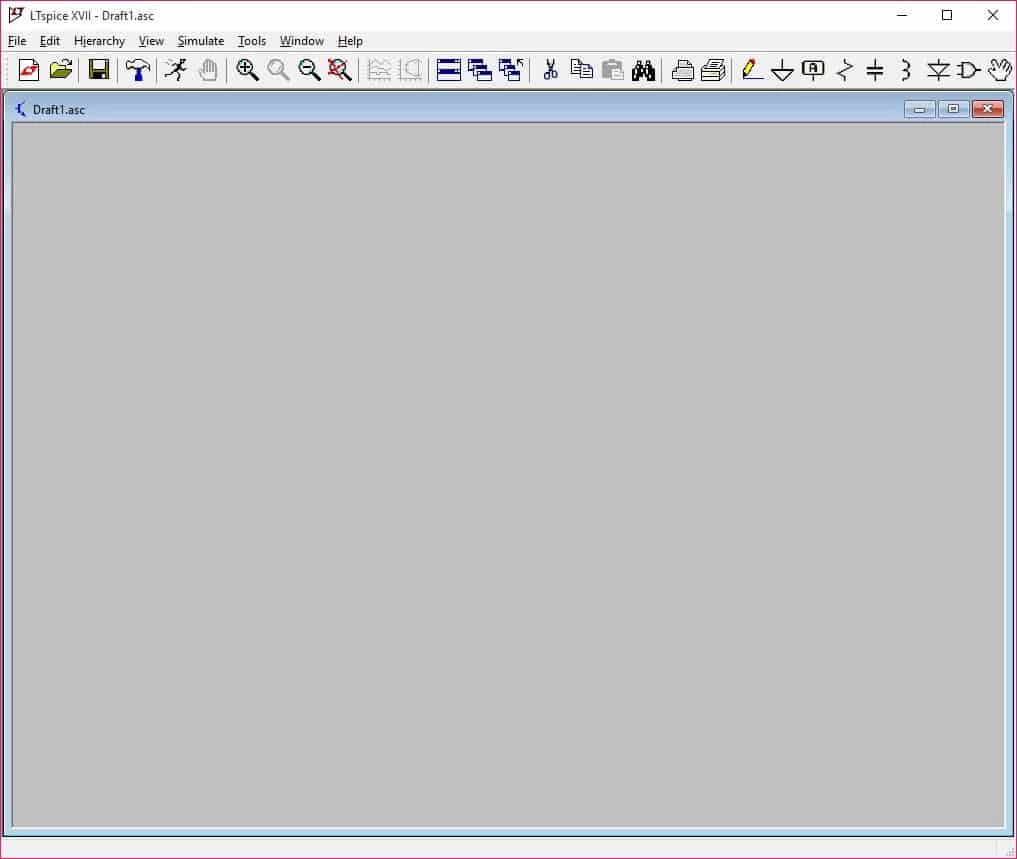
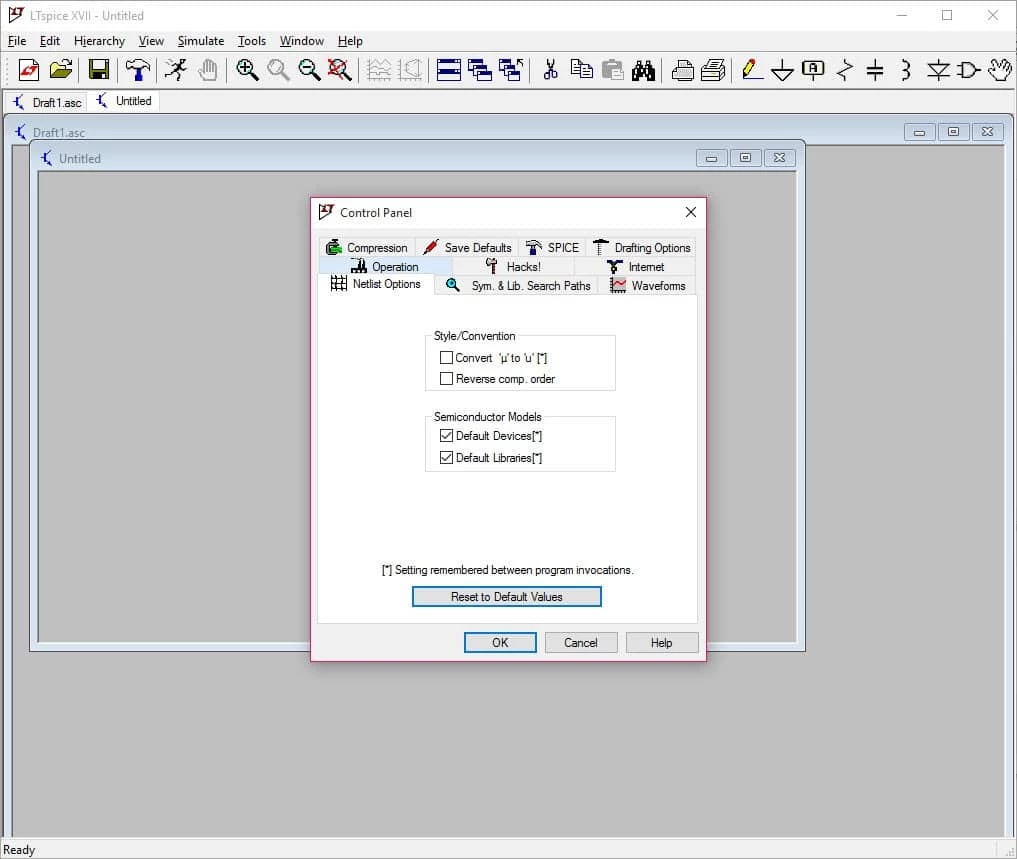
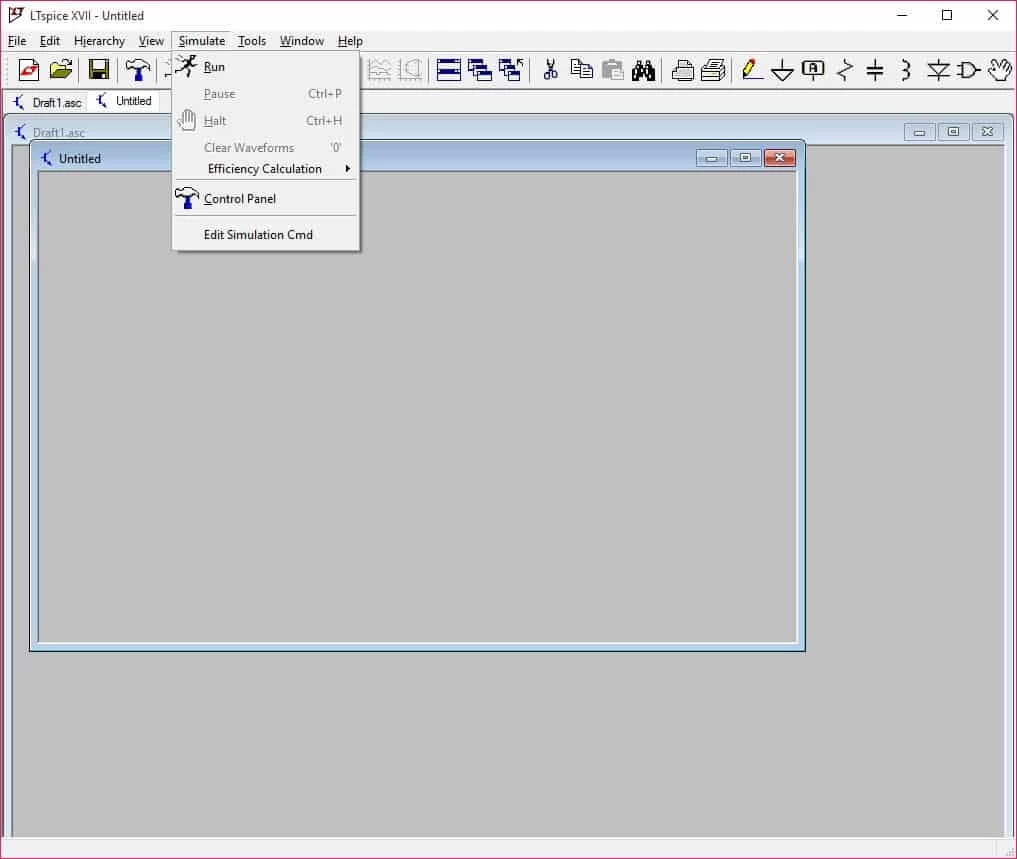
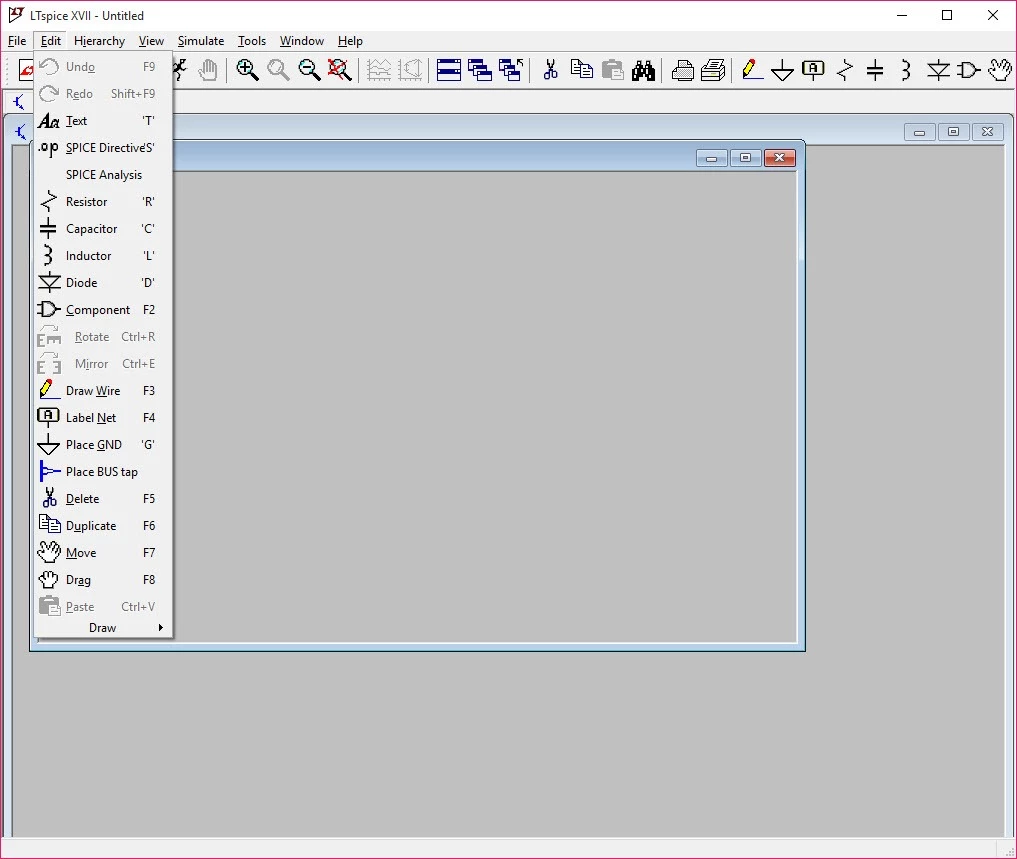
LTspice 24.1.10 is free circuit simulation software for Windows, distributed by Analog Devices. Engineers, students and hobbyists use it to draw an electronic circuit and simulate how it behaves before building it, and you can download LTspice from the official site at no cost; a macOS version exists as well.
| Item | Details |
|---|---|
| Version | 24.1.10 |
| Developer | Analog Devices (originally Linear Technology) |
| Use | electronic circuit simulation |
| Systems | Windows, macOS |
| First appeared | October 1999 |
| Previous major line | LTspice XVII |
| Licence | Freeware |
| Size | about 56.73 MB according to catalogue data |
LTspice belongs to the SPICE family of simulators, programs that calculate voltages and currents in a circuit from a schematic. You place components, connect them and run a simulation; the results appear as waveforms you can inspect as if you had probed a real board with an oscilloscope. This saves time and parts: a design mistake found on screen costs nothing, while the same mistake on a soldered board can destroy components. The program was first developed at Linear Technology, which is now part of Analog Devices, It suits anything from a simple filter to a larger analogue design, and it is a practical way for students to check an idea before trying it in the lab.
Other Analog Devices design tools are listed on the design tools page.
A simulation is only as good as its models and assumptions. Real components have tolerances, wires have resistance and a breadboard adds stray capacitance, so treat the result as a strong hint rather than a promise. Once the circuit works on screen, try the values at the edges of each component's tolerance, build a prototype and compare its measurements with the waveforms you saw. Differences between the two are often the most educational part of the whole exercise.
Take LTspice only from Analog Devices. Model files and libraries shared on forums are usually harmless text, but installers from third-party sites can be bundled with adware.
LTspice has no direct counterpart among our Windows office and business listings. For writing up results and calculations alongside simulations, LibreOffice and Microsoft Excel are commonly used.
Microsoft Word is Microsoft's word processor and part of Microsoft 365. This page explains who it suits and how to get it on Windows.

Microsoft Office 2010 is an office suite for Windows released in 2010; Microsoft ended its support on 13 October 2020 and recommends Microsoft 365.

Microsoft Office 2019 is a one-time purchase edition of Microsoft's office suite for Windows 10 and macOS, released in September 2018.

Adobe Reader XI (11) is an older version of Adobe's free PDF viewer for Windows; its support ended in October 2017 and Adobe Acrobat Reader is the successor.

Adobe Acrobat Reader is Adobe's free Windows application for opening, reading, printing and commenting on PDF documents.

iLovePDF Desktop is the Windows app of the iLovePDF service: merge, split, compress, convert and edit PDF files on your PC without uploading them.

Microsoft Excel is Microsoft's spreadsheet program for calculations, tables and data analysis. Build 16.0.19725.20152 is a current Windows release.

Microsoft Office 2007 is a Windows office suite released in 2007; its support ended on 10 October 2017, and Microsoft recommends Microsoft 365.